Your own library
Multi-disc albums under one cover. MP3, FLAC, hi-res and Mac playback before transfer.
Music, album art and Rockbox themes in one place. A native Mac app for the player you still love.
Free · 0.7.1 · macOS 13+ · Apple silicon & Intel
Developer ID · Apple notarization
 Old player. Great albums.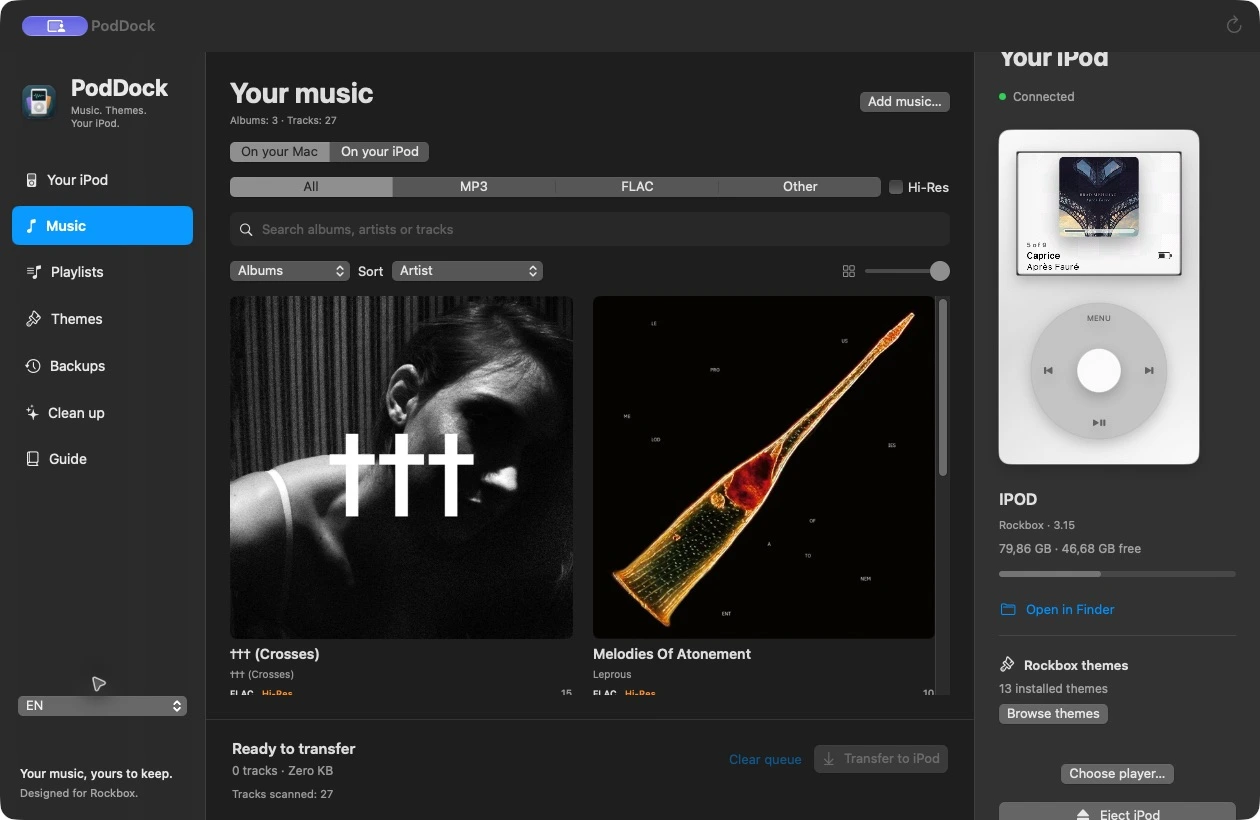
Albums, tracks and MP3 / FLAC views.
The app and guide are available in Polish and English. Switch languages in the sidebar.
Multi-disc albums under one cover. MP3, FLAC, hi-res and Mac playback before transfer.
Choose your own artwork or search MusicBrainz. Images prepared for Rockbox, with backups of previous files.
Theme previews, body colours and illustrations of 33 iPod variants. A small surprise is waiting in the library…
Find missing tags, artwork and identical files. Clean up macOS (._) metadata that an iPod can mistake for tracks.
Your library stays on the Mac and iPod. No account or subscription. Artwork and theme previews need the internet.
Save settings and theme resources. PodDock manages player content; a separate guide explains Rockbox installation.
Model identification, backup, installation and your first albums. Follow the guide and the official instructions for your exact device.
Rockbox guide →
The app includes every main generation: original iPods, Video, Classic, mini, nano, shuffle and touch. Select model and colour manually. Each variant has its own Rockbox support label.
iPod Video 5 / 5.5Rockbox iPod ClassicRockbox
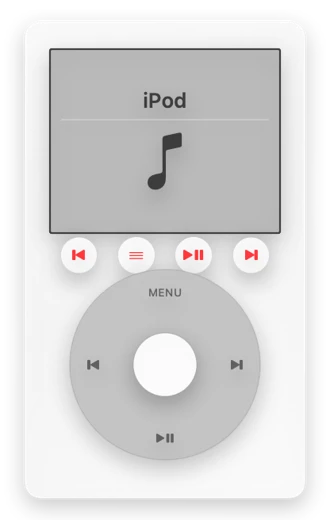 iPod 3GRockbox
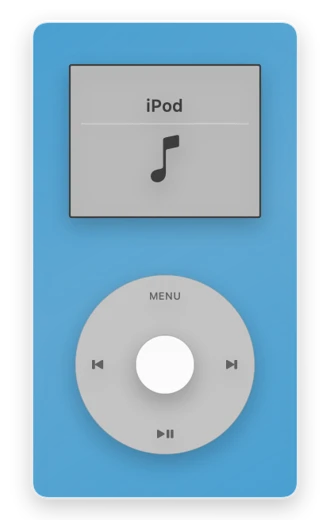 iPod miniRockbox
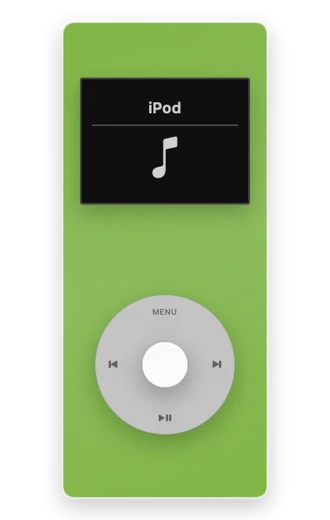 iPod nano 2GRockbox
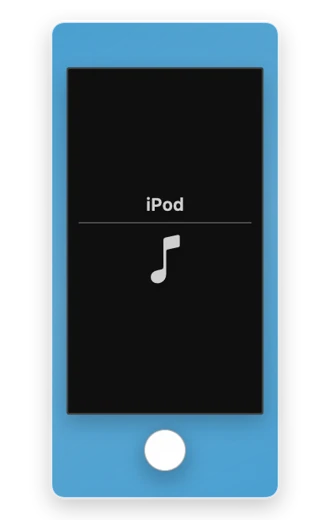 iPod touchBez Rockbox / No Rockbox
PodDock needs a Rockbox player mounted in Finder with a .rockbox directory. This includes Video, Classic, mini and selected older nano models. The illustration gallery also contains models without Rockbox support; an illustration does not imply compatibility.
PodDock reads file properties and copies audio without conversion. Decoding depends on Rockbox and hardware. Copying a hi-res file does not turn the iPod output into hi-res hardware.
Open the DMG and drag PodDock to Applications. The release is Developer ID signed and Apple notarized. It requires macOS 13 or later and runs on Apple silicon and Intel.
Search uses MusicBrainz and the Cover Art Archive. Queries may include artist and album names. Check the result before adding it; artwork remains owned by its respective rights holders.